
How to Run a Photo Contest That People Keep Entering
· NewSpark
A photo contest can bring in hundreds of authentic images and a community around your brand, but only if people can enter easily and have a reason to return. Here is the approach we see work best.
Start with a theme people can answer in one photo
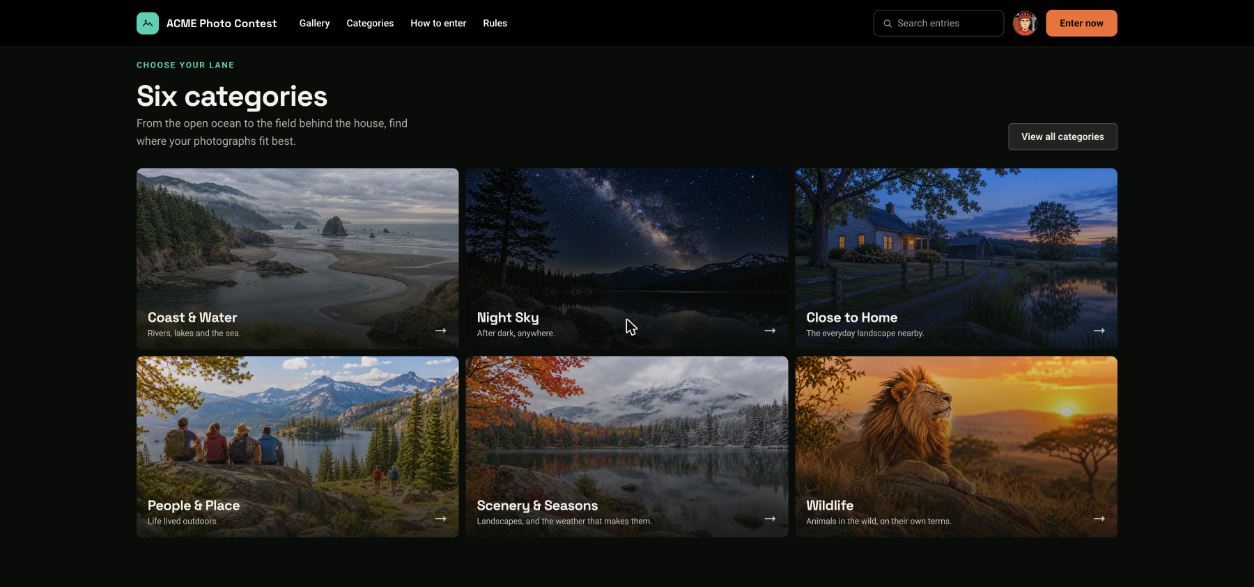
The best contest themes are specific enough to inspire a picture and broad enough that anyone with a phone can enter. “My neighbourhood in autumn” beats “Nature”. Split entries into a handful of categories so people can see where their photo fits, and so you can celebrate more winners.
Make entering take under a minute
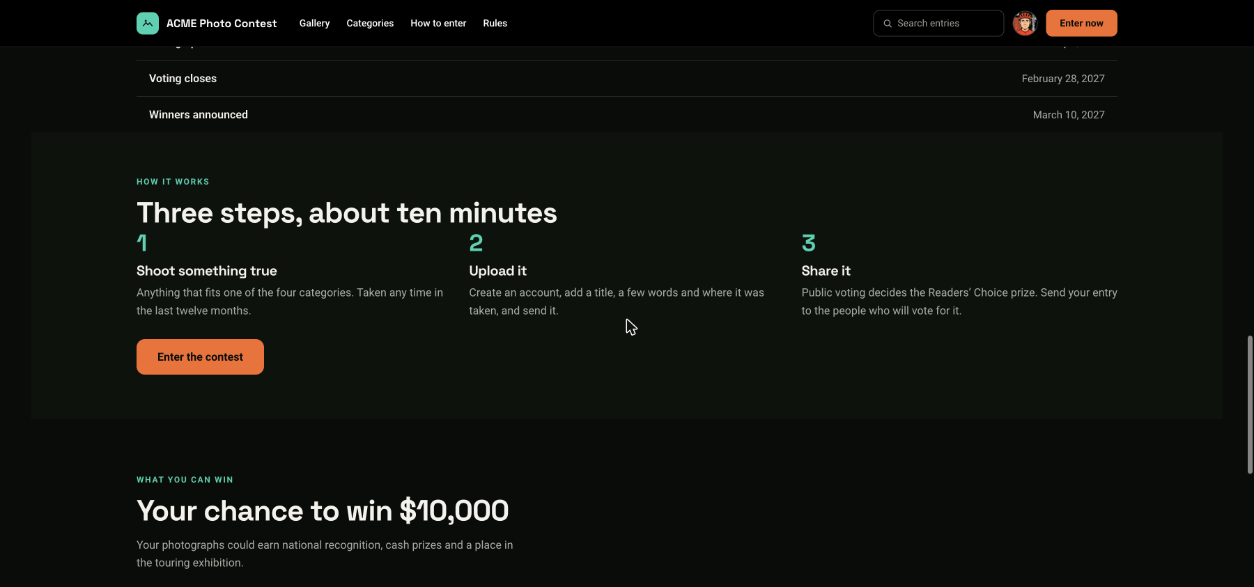
Every extra field costs you entries. Ask for the photo, a title and the category, and collect the rest later. Show the steps up front so entrants know exactly what to expect.
Write rules and prizes in plain language
- Say who can enter, the entry window and the number of photos allowed.
- Explain who owns the photos and how you may use them.
- List every prize and how winners are chosen: judges, public vote, or both.
Moderate before you publish
Open galleries attract the occasional off-topic, duplicate or inappropriate upload. Review entries before they go public, tell entrants why an entry was declined, and use automated flags to put the riskiest items at the top of the queue.
Give people reasons to come back
A contest with one deadline gets one burst of traffic. Voting games, a photo of the day, badges and follows turn entrants into an audience. Share the galleries on social so friends and families arrive to vote.
Report back to sponsors
Sponsors want proof: entries, views and likes. Track them by challenge from day one so the wrap-up report is a few clicks, not a spreadsheet project. See how NewSpark contests and sweepstakes handle each of these steps.